Mumma Supper

The weeknight table   /   01

Mumma’s
20-minute
tomato pasta.

A bright tomato sauce, a handful of basil and a pot of spaghetti. A simple supper for the nights when everyone’s already hungry.

Jump to recipe
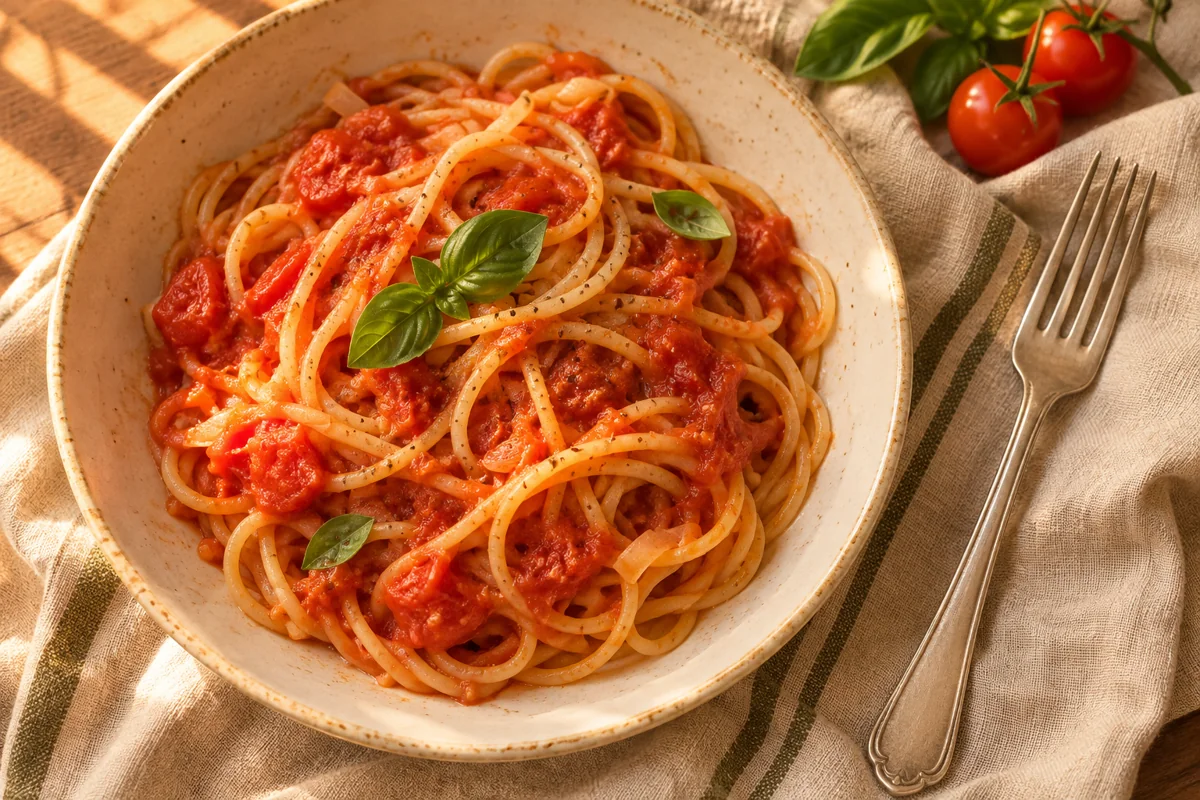
Spaghetti in tomato sauce with fresh basil, served in a cream bowl
01 / The supper table Illustrative image

Recipe card

Tomato & basil pasta

Prep
5 min
Cook
15 min
Serves
2

Ingredients

Tick off what you have as you go.

Method

  1. Get the pasta going. Cook the spaghetti in salted boiling water according to the packet. Scoop out half a cup of the pasta water before draining.
  2. Start the sauce while it cooks. Warm the oil in a skillet over medium heat. Stir in the garlic for about 30 seconds, then add the tomatoes, salt and pepper.
  3. Simmer and toss. Let the sauce bubble gently for 8–10 minutes. Add the drained spaghetti and a splash of pasta water. Toss until the sauce coats the noodles.
  4. Finish with basil. Tear the leaves over the pasta, taste for seasoning and serve.

Behind the page

Make your own page for $0.

This recipe page is the demo. Use the starter files to publish a page like it on Cloudflare Pages. Your project gets a free address ending in .pages.dev.

Download the starter ZIP
  1. Pick one recipe. Write a title, an ingredient list and the cooking steps.
  2. Make the page yours. Unzip the starter. Edit index.html in a text editor and open it in your browser to preview. If you want help, ask AI to replace the recipe while keeping the jump link and print button.
  3. Publish it for free. In Cloudflare, open Workers & Pages and start a new Pages project using Direct Upload. Choose a project name, upload your folder with index.html at the top level, then select Deploy. You can also upload the original ZIP to try the demo first.
  4. Share your new address. Open the .pages.dev link on your phone and make sure Jump to recipe works.

Cloudflare’s upload walkthrough

Optional later

Want an address of your own?

Keep using your free .pages.dev link for as long as it suits you. If you want a custom address such as mummasupper.com, search for your site name at a registrar, pick an ending like .com, and check both the first-year and renewal prices before you buy. After registering it, open your Pages project’s Custom domains tab to connect it. Domain registration is the paid step.

How to buy a domain How to connect it to Pages